Overview
Speed Reading Studio is a browser-based reading trainer that helps you push your reading speed without sacrificing comprehension. Load any text — paste it directly, upload a PDF, or drop a plain-text file — configure your training options, and let the reader stream the content at your target WPM. Speed increases automatically after each completed page, so every session nudges your baseline higher.
Tech Stack
- Frontend: HTML, CSS, JavaScript
- File Parsing: Client-side PDF and plain-text extraction
- Architecture: Single-page application, zero backend
Key Features
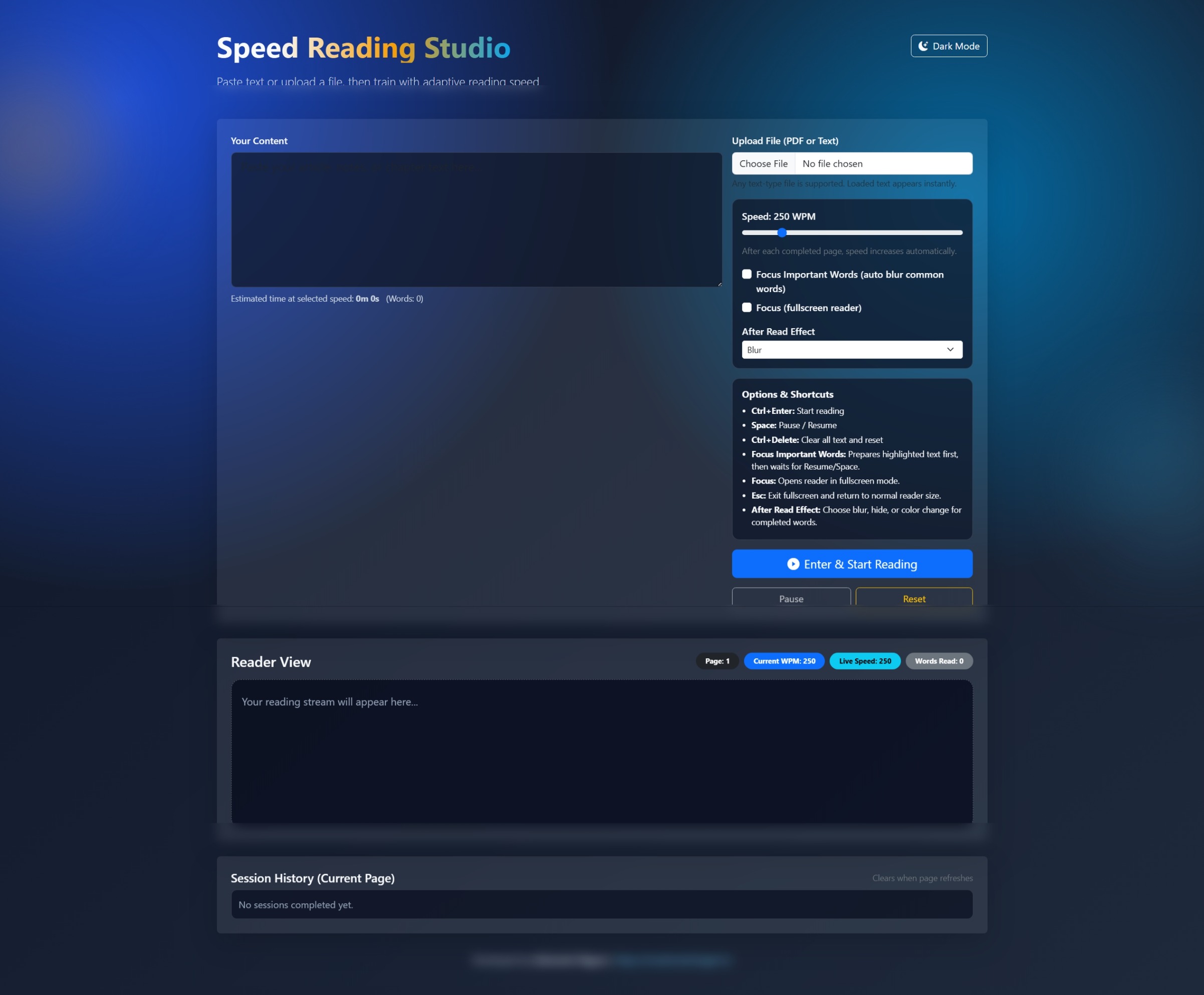
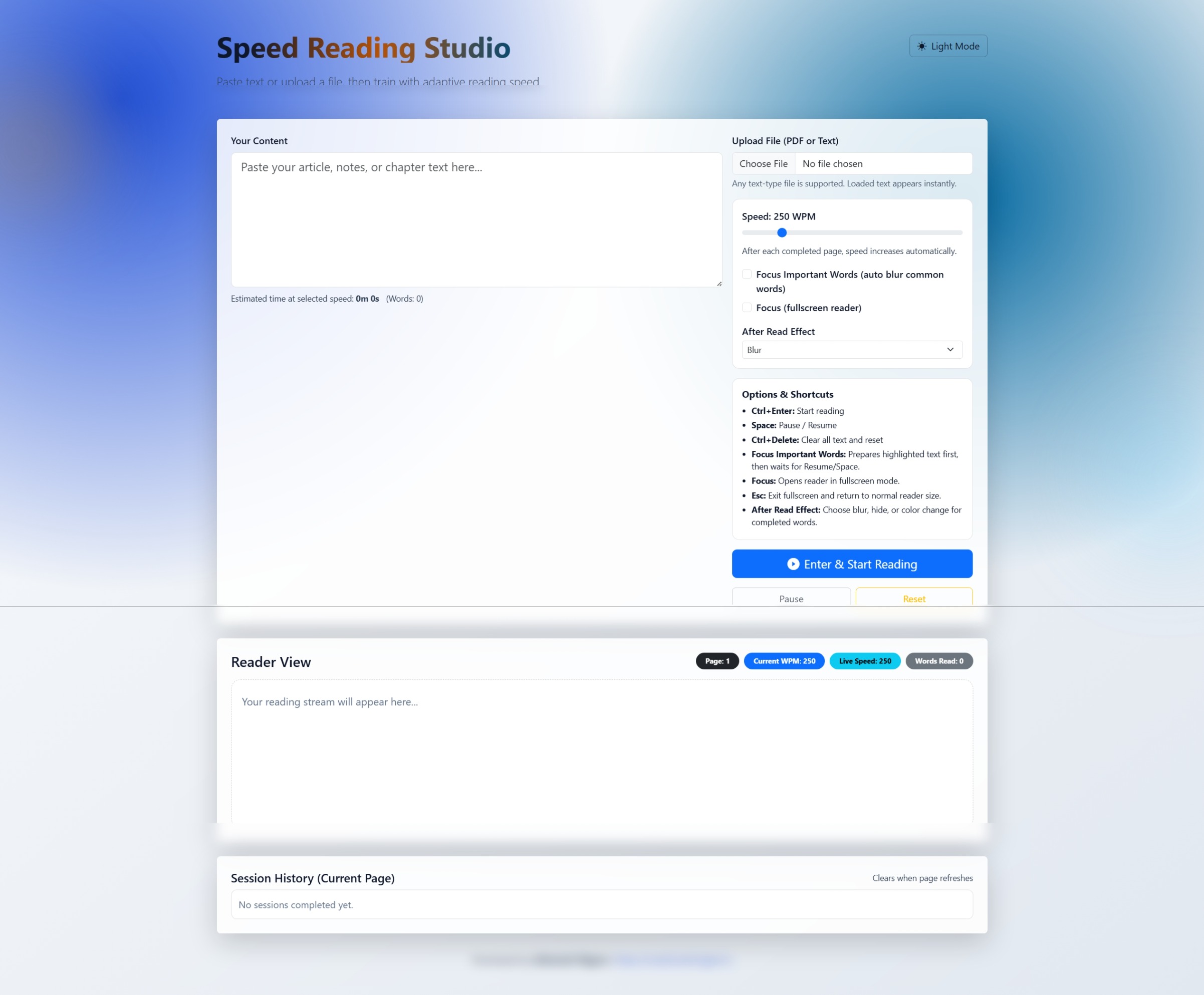
- Flexible Input — Paste text directly, upload a PDF, or upload any plain-text file; loaded content appears instantly with an estimated read time and word count
- Adaptive Speed — WPM slider starting at 250; speed auto-increments after each completed page to progressively build reading pace
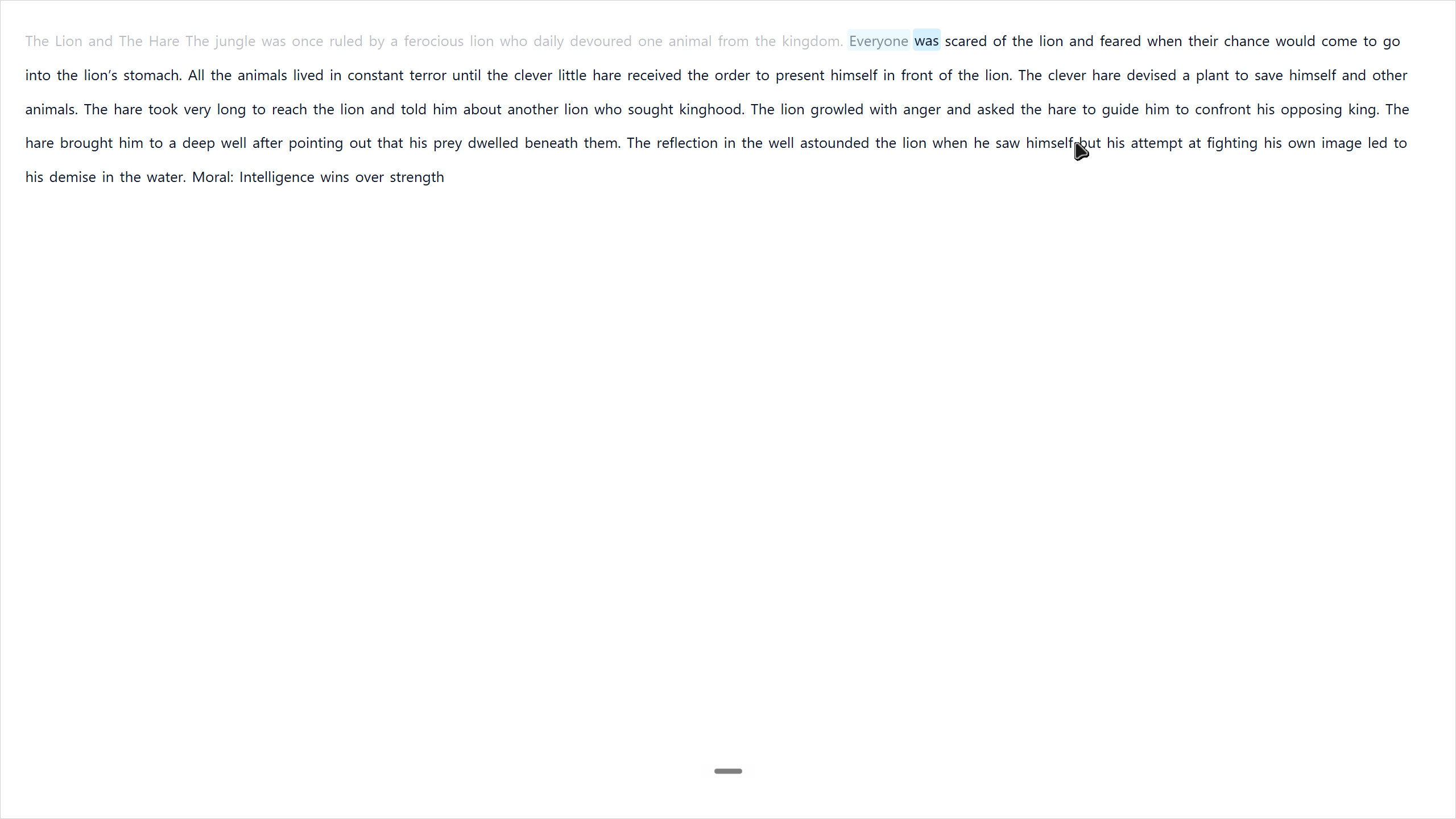
- Focus Important Words — Highlights semantically important words while auto-blurring common filler words, training attention on content that matters
- Focus Mode (Fullscreen) — Opens the reader full-screen to eliminate distractions;
Escreturns to normal view - After Read Effect — Choose how completed words are marked: Blur, Hide, or Text Color Change
- Pause & Resume —
Spacepauses and resumes mid-session;Ctrl+Enterstarts reading;Ctrl+Deleteclears and resets - Session History — Each completed session logs starting WPM, achieved speed, percentage improvement, and focus mode state
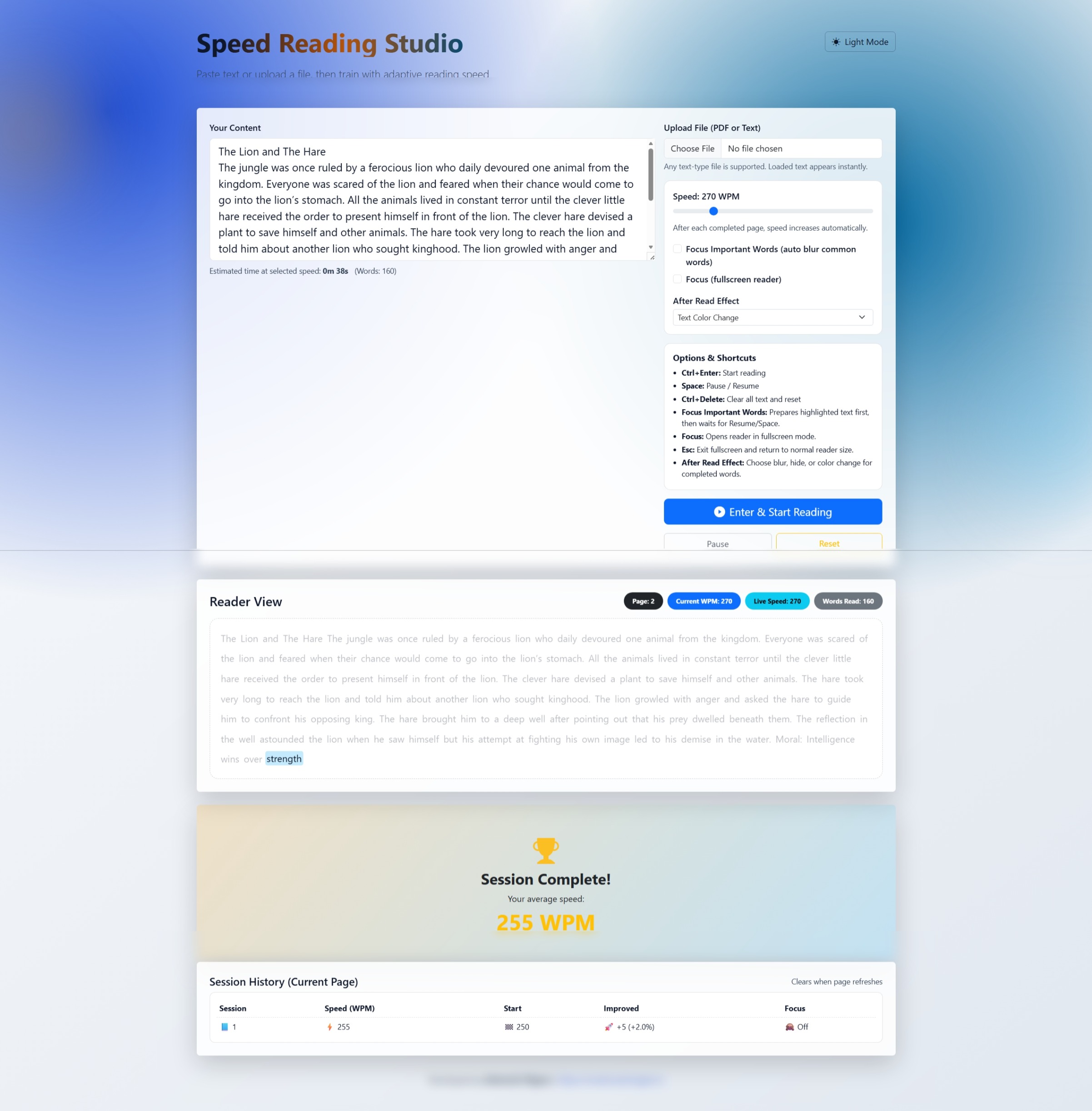
- Session Complete Summary — Trophy screen shows average WPM across the session with a full history table for the current page
Note: Session history is scoped to the current browser tab and clears on page refresh — it is not persisted to local storage or any backend.
How It Works
- Load content — paste text into the textarea or upload a PDF/text file
- Configure — set your starting WPM, toggle Focus Important Words and/or Fullscreen, pick an after-read effect
- Start — click “Enter & Start Reading” or press
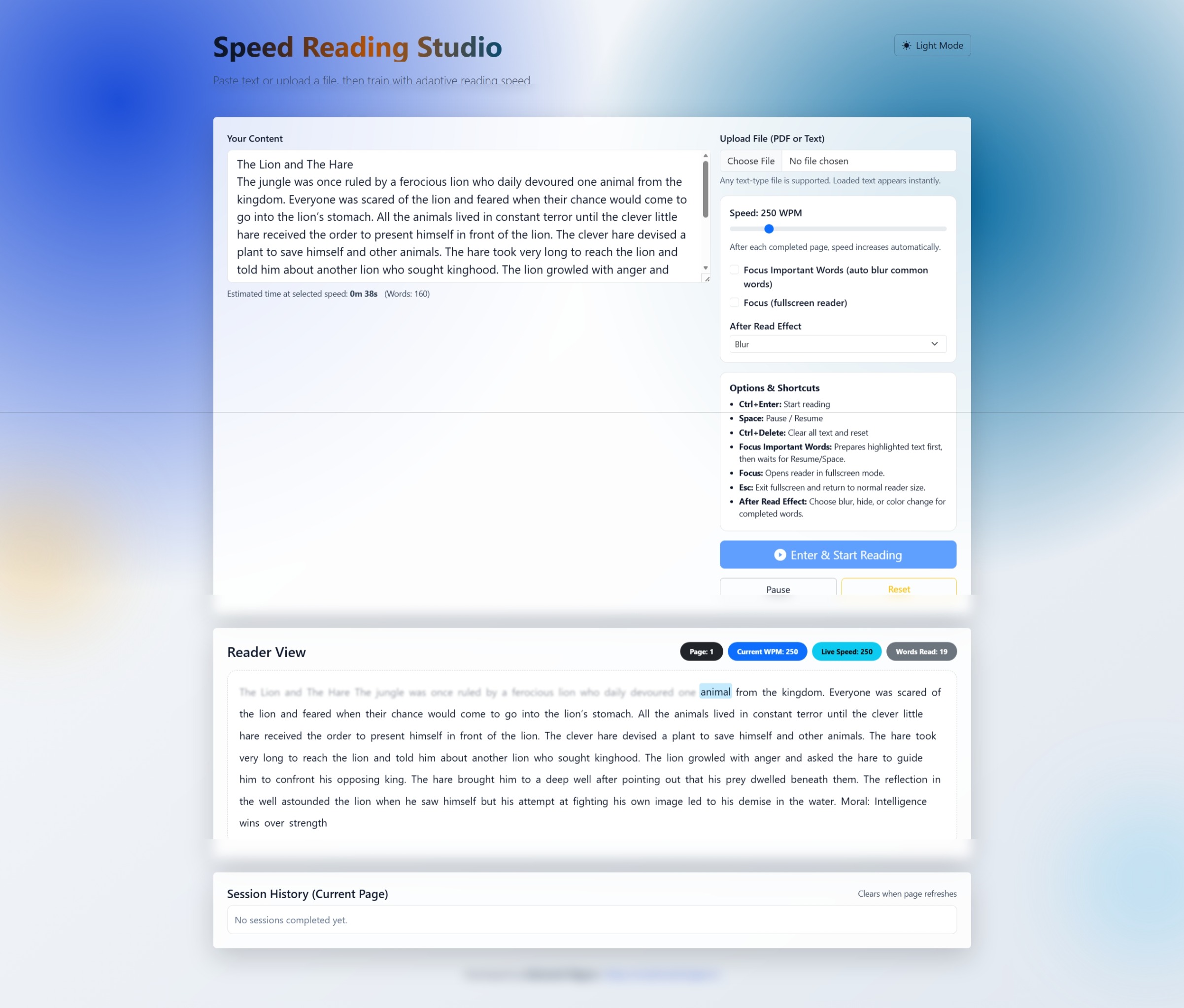
Ctrl+Enter; the Reader View streams words at your chosen speed - Track — live badges show current page, current WPM, live speed, and total words read
- Review — after each session the history table records your speed gains so you can track improvement over time
Try It Out
Live at speedreader.mrashutoshnigam.in — no login, no install, works in any modern browser.